Translations by gtranslate.io
This is an old revision of the document!
 IN RECONSTRUCTION
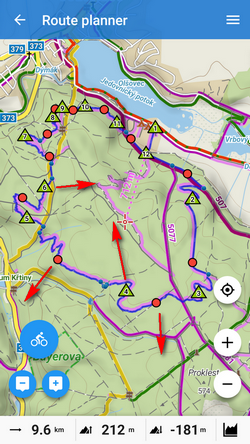
Drag shaping  and auxiliary
  points to re-shape route:
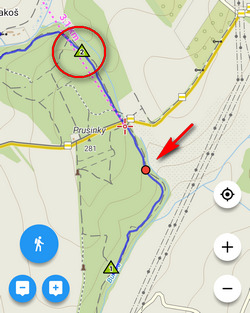
If the route does not contain shaping points where you need them, tap the place of the route and make shaping point from an ordinary trackpoint:

Trackpoint changes into a shaping point and a new auxiliary point creates in between:
Add  shapepoints or via points
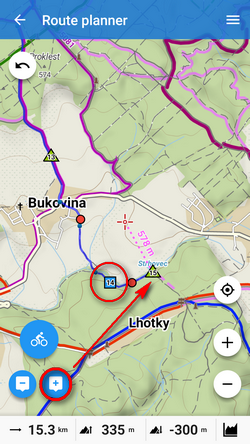
Remove  shaping points:
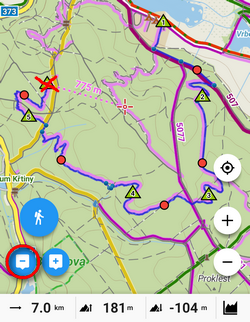
More details about route planning in Route Planner article >>
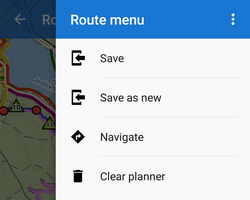
Open the topbar  route menu:
Some edits do not make changes in the route plan but rather repairs of recorded tracks. These can be edited in Track editor:
 tools button
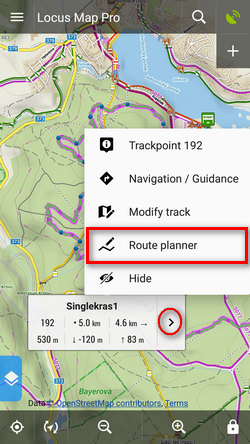
Track editor can be launched from the map screen:
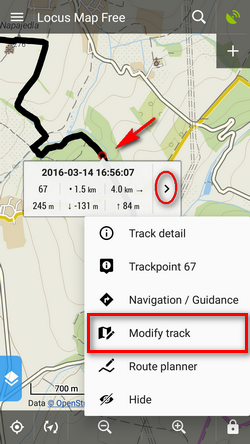
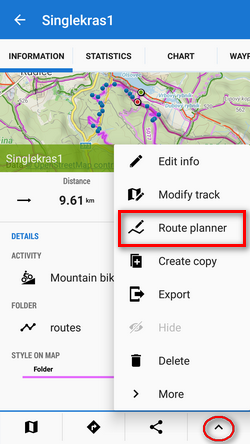
or from he track detail screen:
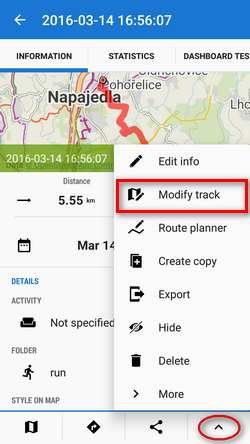
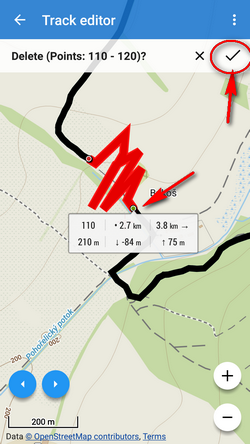
Sometimes weak GPS signal causes deviations in track recording. This way you can cut the deviation out of the line:
tools button: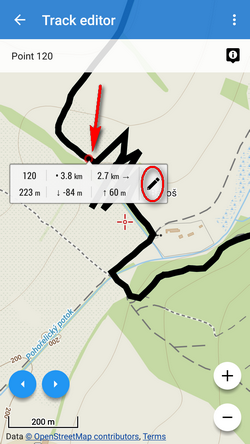
 Cut inner part from the tool menu: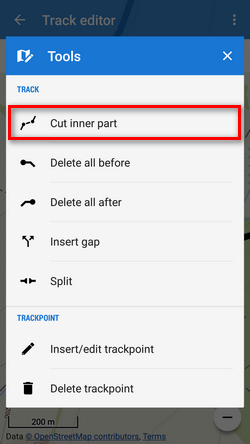

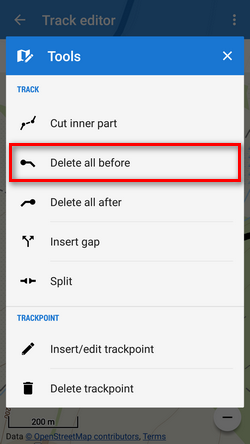
Sometimes you import a hiking route including a part driven by car to the trail head. To delete such part, use  Delete all before tool:
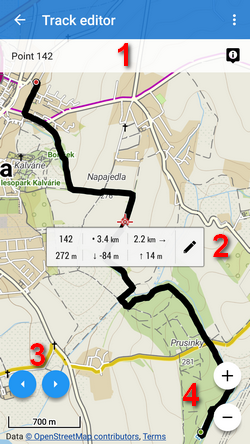
OBSOLETE: If you want to edit saved tracks (e.g. due to inaccuracy of the GPS recording) or already planned route, you can do so directly on map:
 Edit on map from the
  More options menu
 turns back to the track detail screen
 displays the nearest trackpoint detail
 displays trackpoint editing menu:
Each single edit action must be individually saved by  OK button before proceeding on some other place
TIP: when two coincident trackpoints covering each other occur and you want to add navigation command to the other that is not displayed, tap the point twice to switch between them.
 moves to previous trackpoint, long-tap moves to the start of the track
 moves to the next trackpoint, long tap moves to the end of the track
 aborts editing